

# SSH 安全加固實戰:用金鑰認證 + Fail2Ban 鎖死暴力破解
成日聽人講「Linux 伺服器俾人 hack 咗」,查實十單有八單都係 SSH 暴力破解搞出嚟。如果你仲用緊密碼登入 + 預設 Port 22,基本上等於打開門口俾人撞。今日就同大家實戰搞掂 SSH 安全加固,兩招搞掂:**金鑰認證**取代密碼,再加 **Fail2Ban** 自動封鎖可疑 IP。
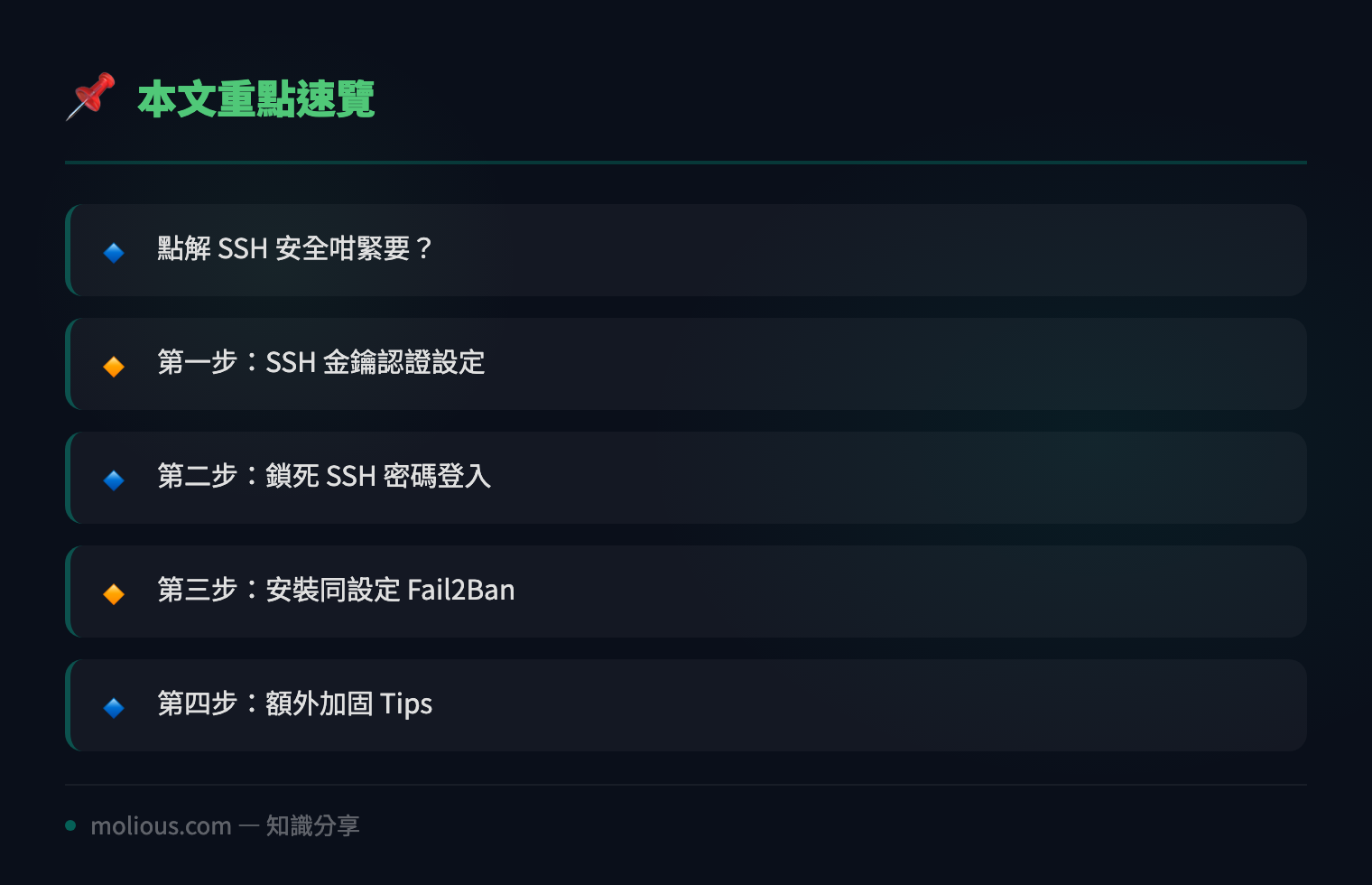
## 點解 SSH 安全咁緊要?
是咁的,任何一部對外開放嘅 Linux 伺服器,每日最少俾人掃幾百次 SSH port。Botnet 會用字典攻擊逐個密碼撞,撞中咗就裝 miner、ransomware,甚至用你部機做跳板攻擊其他 target。所以 SSH 安全加固係**第一道防線**,唔係 optional,係 mandatory。
## 第一步:SSH 金鑰認證設定
### 喺你本地機 Generate SSH Key Pair
ssh-keygen -t ed25519 -C "your_email@example.com"`ed25519` 比 RSA 更快更安全,係現代 Linux 嘅首選。Generate 完會見到兩個 file:
– `~/.ssh/id_ed25519`(私鑰 — 千祈唔好俾人!)
– `~/.ssh/id_ed25519.pub`(公鑰 — 放上 server)
### 將公鑰 Copy 去伺服器
ssh-copy-id -i ~/.ssh/id_ed25519.pub user@your-server-ip入一次密碼之後,公鑰就會寫入 server 嘅 `~/.ssh/authorized_keys`。之後 login 唔使再入密碼。
### 測試金鑰登入
ssh -i ~/.ssh/id_ed25519 user@your-server-ip成功 login 之後,**唔好閂呢個 session**!開住佢,然後開另一個 terminal 做下面嘅 config 改動。點解?因為如果你改錯 config lock 死自己,仲有個 active session 可以救返。
## 第二步:鎖死 SSH 密碼登入
Edit `/etc/ssh/sshd_config`:
sudo nano /etc/ssh/sshd_config改以下幾行(冇嘅就加):
# 禁用 root 密碼登入
PermitRootLogin prohibit-password

# 禁用密碼認證(強制用金鑰)
PasswordAuthentication no

# 禁用空密碼
PermitEmptyPasswords no

# 限制 SSH 協議版本
Protocol 2

# 可選:改 SSH Port(減少自動掃描噪音)
Port 2222
改完之後 restart SSH service:
sudo systemctl restart sshd⚠️ **記住:restart 之前一定要確認金鑰登入 work!** 否則 restart 完你就永久 lock out。
## 第三步:安裝同設定 Fail2Ban
Fail2Ban 會 monitor log file,發現可疑活動(例如短時間內多次 failed login)就自動用 iptables 封鎖該 IP。
### 安裝 Fail2Ban
# Ubuntu/Debian
sudo apt update && sudo apt install fail2ban -y

# RHEL/CentOS/Rocky
sudo dnf install epel-release -y && sudo dnf install fail2ban -y
### 建立 Local Config
唔好直接改 `/etc/fail2ban/jail.conf`,因為 package update 會 overwrite。應該 create local override:
sudo cp /etc/fail2ban/jail.conf /etc/fail2ban/jail.local
sudo nano /etc/fail2ban/jail.local
重點設定:
[DEFAULT]
# 封鎖時間(秒):86400 = 24 小時
bantime = 86400

# 偵測時間窗口(秒):10 分鐘內
findtime = 600

# 最多失敗次數
maxretry = 5

# 忽略嘅 IP(你自己嘅 office IP / VPN IP)
ignoreip = 127.0.0.1/8 ::1 你的辦公室IP

[sshd]
enabled = true
port = ssh,2222
logpath = %(sshd_log)s
backend = %(sshd_backend)s
### 啟動同檢查 Fail2Ban
sudo systemctl enable fail2ban --now
sudo fail2ban-client status
sudo fail2ban-client status sshd
你會見到類似 output:
Status for the jail: sshd
|- Filter
|  |- Currently failed: 3
|  |- Total failed: 127
|  `- File list: /var/log/auth.log
`- Actions
   |- Currently banned: 2
   |- Total banned: 15
   `- Banned IP list: 45.33.32.156 103.99.0.122
## 第四步:額外加固 Tips
### 用 SSH Config 簡化連線
喺本地 `~/.ssh/config` 加:
Host myserver
    HostName your-server-ip
    Port 2222
    User your-username
    IdentityFile ~/.ssh/id_ed25519
之後打 `ssh myserver` 就搞掂,唔使記 IP 同 port。
### 定期 Audit SSH Log
# 睇下有邊啲 IP 撞緊你
sudo journalctl -u sshd --since "1 hour ago" | grep "Failed password" | awk '{print $11}' | sort | uniq -c | sort -nr | head -20
### Enable 2FA(進階)
如果想再加多層保護,可以用 Google Authenticator 做 SSH 2FA:
sudo apt install libpam-google-authenticator -y
google-authenticator
然後改 `/etc/pam.d/sshd` 同 `/etc/ssh/sshd_config` 加入 `ChallengeResponseAuthentication yes`。
## 總結
搞掂以上設定之後,你部 Linux server 嘅 SSH 安全已經由「中門大開」變成「銅牆鐵壁」:
– ✅ 金鑰認證取代密碼(冇私鑰 = 入唔到)
– ✅ Fail2Ban 自動封鎖暴力破解 IP
– ✅ Root login 禁用
– ✅ 非標準 Port 減少噪音
🔗 參考資料:NVD NIST 漏洞資料庫
成個過程半個鐘內搞掂,但可以擋走 99% 嘅自動化攻擊。安全呢樣嘢,永遠係做咗先安心。有咩問題歡迎留言討論!