
# CI/CD安全實戰:5 步鎖死你嘅 GitHub Actions Pipeline
CI/CD pipeline 係現代軟件開發嘅心臟,但同時亦係攻擊者最鍾意嘅切入點。GitHub Actions 每日執行數以百萬計嘅 workflow,一旦俾人入侵,唔單止 source code 外洩,仲可能透過 deployment credentials 直接打入 production environment。今日就同大家 step-by-step 搞掂 CI/CD 安全,由權限管控到 secret scanning,5 步鎖死你嘅 pipeline。
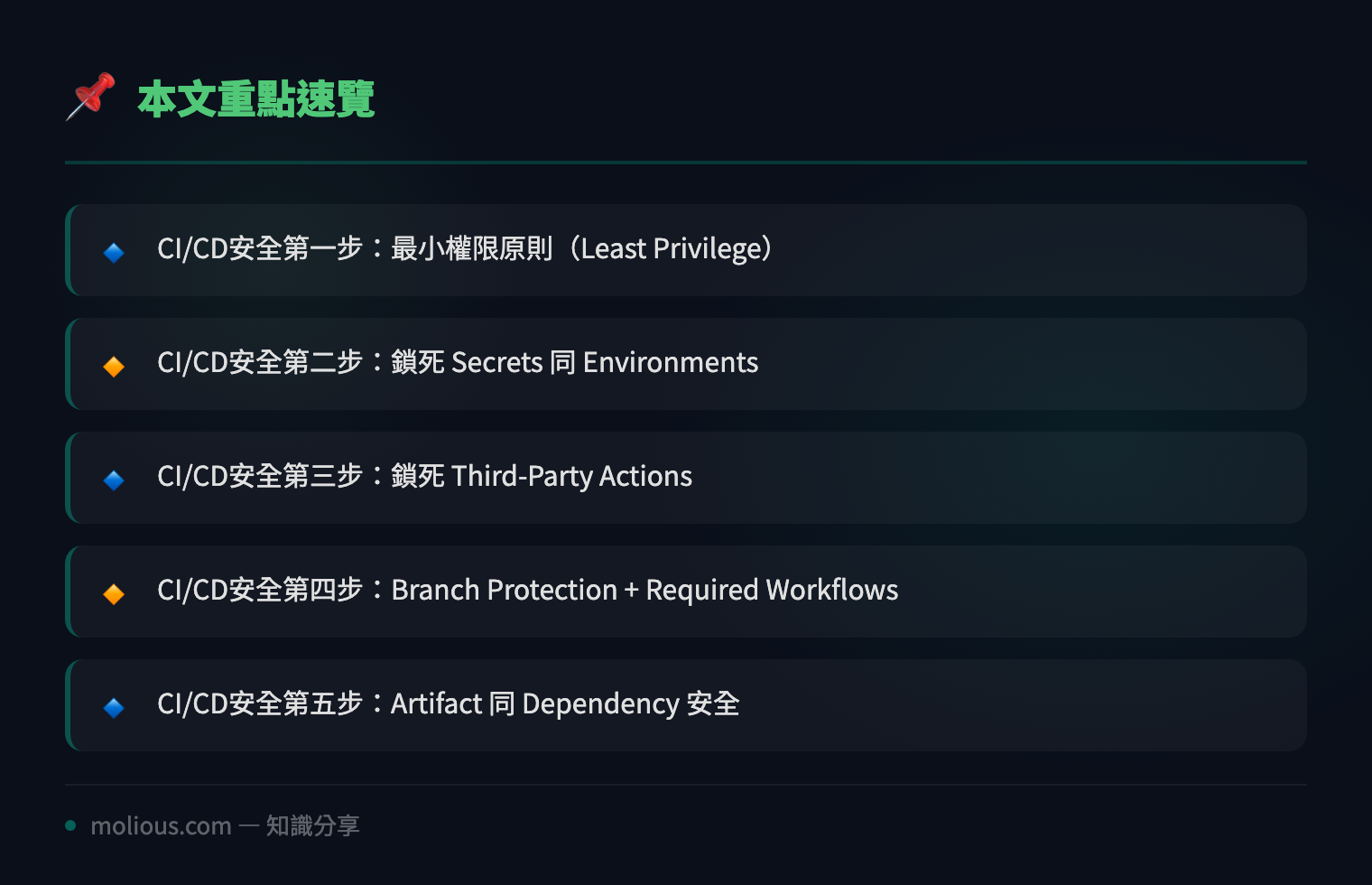
## CI/CD安全第一步:最小權限原則(Least Privilege)
好多人寫 GitHub Actions workflow 嗰陣,貪方便直接用 `permissions: write-all`,呢個係極度危險嘅做法。正確做法係 explicit 咁定義每個 job 需要嘅權限:
permissions:
  contents: read
  packages: write
  id-token: write
記住:**唔好俾 workflow 有權限改 repository settings 或者 access organization secrets**,除非真係有必要。GitHub 而家 default 已經係 restricted mode,但舊 repo 可能仲係 permissive,建議全部 review 一次。
## CI/CD安全第二步:鎖死 Secrets 同 Environments
GitHub Actions secrets 係 pipeline 安全嘅核心。以下係幾個鐵則:
1. **用 Environments 分開 dev/staging/prod** — 每個 environment 有獨立 secrets,仲可以 set required reviewers,即係 deploy 去 production 之前一定要有人 approve
2. **唔好 print secrets** — 就算係 debug 都唔好 `echo ${{ secrets.AWS_KEY }}`,GitHub 會自動 mask,但 log 入面可能會有其他方式 leak
3. **用 OIDC 代替 long-lived credentials** — 與其放 AWS access key 入 secrets,不如用 OpenID Connect 直接 assume role,冇 static credential 就冇嘢可以 leak
# OIDC example for AWS
- name: Configure AWS credentials
  uses: aws-actions/configure-aws-credentials@v4
  with:
    role-to-assume: arn:aws:iam::123456789:role/github-actions-role
    aws-region: ap-east-1
## CI/CD安全第三步:鎖死 Third-Party Actions
GitHub Marketplace 有幾萬個 community actions,但你知唔知每一個 action 都係可以 run arbitrary code 嘅?2025 年就出過事:一個偽裝成「方便好用」嘅 Docker build action,背後偷偷 steal CI/CD secrets 然後 push 去 attacker server。
**防禦方法:**
– **Pin action 到 exact commit SHA**,唔好用 `@v1` 或者 `@main`:
uses: actions/checkout@11bd71901bbe5b1630ceea73d27597364c9af683 # v4.2.2– **Fork 常用 actions 去自己 org**,然後只 allow 自己 org 嘅 actions
– **定期 audit** — 用 `github-action-scanner` 或者 `zizmor` scan 現有 workflows
## CI/CD安全第四步:Branch Protection + Required Workflows
就算 CI/CD 本身安全,如果任何人都可以 push 去 main branch 然後 trigger deploy workflow,咁都係冇用。必須 set:
– **Branch protection rules**:main/master branch 必須經過 PR + approval 先可以 merge
– **Required status checks**:所有 CI checks pass 先可以 merge
– **Required workflows**(GitHub 新功能):要求特定 workflow pass 先可以 merge,防止有人 bypass CI
# 用 GitHub CLI 快速 set branch protection
gh api repos/:owner/:repo/branches/main/protection \
  --method PUT \
  --field required_status_checks='{"strict":true,"contexts":["build","test","security-scan"]}' \
  --field enforce_admins=true \
  --field required_pull_request_reviews='{"required_approving_review_count":1}'
## CI/CD安全第五步:Artifact 同 Dependency 安全
最後一步,確保你 build 出嚟嘅 artifact 冇俾人加料:
1. **Artifact attestation** — GitHub 而家 support SLSA Level 3 provenance,build 完自動 generate signed attestation,證明 artifact 係由邊個 workflow、邊個 commit build 出嚟
2. **Dependency review** — 用 `actions/dependency-review-action` 喺每個 PR 自動 scan dependency changes,detect 有冇 known vulnerability 嘅 package 被引入
3. **SBOM generation** — 用 `anchore/sbom-action` 自動 generate SPDX SBOM,方便之後 vulnerability tracking
# Add to every PR workflow
- name: Dependency Review
  uses: actions/dependency-review-action@v4
  with:
    fail-on-severity: critical
## CI/CD安全總結:5 步 checklist
| # | 步驟 | 關鍵動作 |
|—|——|———|
| 1 | 最小權限 | Explicit permissions,唔好用 write-all |
| 2 | Secrets 管控 | Environments + OIDC + 唔好 print secrets |
| 3 | Actions 審計 | Pin SHA + fork trusted actions |
| 4 | Branch 保護 | PR required + status checks + required workflows |
| 5 | Artifact 安全 | Attestation + dependency review + SBOM |
🔗 參考資料:NVD NIST 漏洞資料庫
呢 5 步做齊,你嘅 CI/CD pipeline 就由「open door」變成「fortress」。記住:CI/CD 安全唔係一次性 project,係持續嘅 process。每次加新 workflow、新 action、新 integration,都要重新 review。安全係習慣,唔係 checklist。
#CI/CD安全 #GitHubActions #DevSecOps #Pipeline安全