
Git 安全進階實戰:用 Git Hooks + Signed Commits 保護你嘅 Codebase
喺 DevOps 世界入面,Git 係每個開發團隊嘅命脈。但好多 IT 人日日用 Git,卻忽略咗 Git安全呢個關鍵環節。今日就同大家實戰示範點樣用 Git Hooks 同 GPG Signed Commits 全面提升 Git安全水平,保護你嘅 codebase 唔會被惡意篡改。
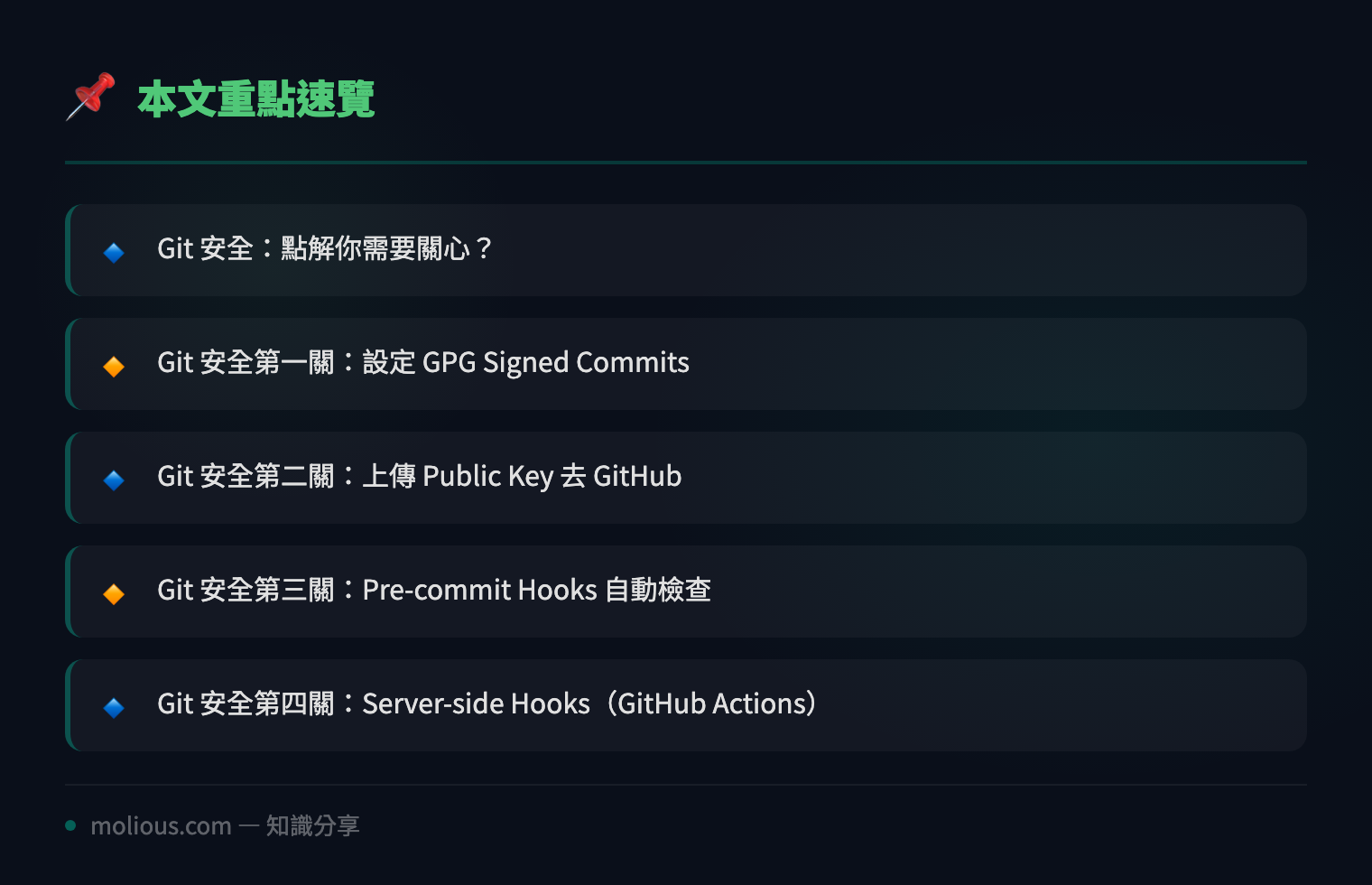
Git 安全:點解你需要關心?
Git 本身係一個分散式版本控制系統,理論上每個 commit 都有 SHA-256 hash 保護完整性。但現實係:如果有人攞到你嘅 SSH key 或者 GitHub token,佢可以冒充你 push malicious code,而表面上個 commit history 睇落完全正常。Git安全嘅核心就係要確保每個 commit 都真係你本人提交嘅,而且 code 內容符合團隊規範。
Git安全第一關:設定 GPG Signed Commits
Signed commits 係 Git安全嘅基石。透過 GPG 簽名,你可以證明某個 commit 真係由你嘅 private key 簽發,唔係冒充者。
首先安裝 GPG 同生成密鑰:
# macOS
brew install gnupg

# Ubuntu/Debian
sudo apt install gnupg2

# 生成 GPG key pair(揀 RSA 4096-bit)
gpg --full-generate-key
生成完之後,設定 Git 使用呢條 key 做簽名:
# 列出你嘅 GPG keys
gpg --list-secret-keys --keyid-format LONG

# 設定 Git 用邊條 key(替換成你嘅 key ID)
git config --global user.signingkey YOUR_KEY_ID

# 啟用自動簽名所有 commits
git config --global commit.gpgsign true

# 設定 GPG program path
git config --global gpg.program $(which gpg)
而家每次 `git commit` 都會自動簽名。你可以用下面指令驗證:
# 驗證最新 commit 嘅簽名
git log --show-signature -1

# 輸出應該見到:
# gpg: Signature made ...
# gpg: Good signature from "Your Name <email>"
Git安全第二關:上傳 Public Key 去 GitHub
冇 public key,GitHub 就冇辦法驗證你嘅簽名。Git安全需要雙向驗證:
# Export public key
gpg --armor --export YOUR_KEY_ID

# 複製輸出嘅 PGP public key block
# 去 GitHub → Settings → SSH and GPG keys → New GPG key → Paste
設定完之後,你嘅 commits 喺 GitHub 上面會顯示綠色「Verified」badge,呢個係 Git安全嘅視覺化證明。
Git安全第三關:Pre-commit Hooks 自動檢查
Git Hooks 係 Git安全嘅自動化防線。Pre-commit hook 喺每次 commit 之前執行,可以攔截敏感資料、檢查 code style、甚至阻止未簽名 commit。
建立 `.git/hooks/pre-commit`:
#!/bin/bash
# Pre-commit hook for Git 安全檢查

echo "🔍 Running Git 安全 pre-commit checks..."

# 檢查 1:防止 commit 包含 API key / password
if grep -rE "AKIA[0-9A-Z]{16}|sk-[a-zA-Z0-9]{32}|password\s*=\s*['\"][^'\"]+['\"]" --include="*.py" --include="*.js" --include="*.env" . 2>/dev/null; then
    echo "❌ Git 安全警報:detected potential secrets in code!"
    echo "   請移除敏感資料或使用 environment variables"
    exit 1
fi

# 檢查 2:確保 commit 有 GPG 簽名
if ! git config --get commit.gpgsign | grep -q true; then
    echo "⚠️  Git 安全提醒:GPG signing 未啟用!"
    echo "   執行: git config --global commit.gpgsign true"
fi

# 檢查 3:防止 debug 語句殘留
if grep -rE "console\.log|print\(|debugger" --include="*.js" --include="*.py" --include="*.ts" . 2>/dev/null | grep -v node_modules | grep -v ".git"; then
    echo "⚠️  Git 安全提醒:detected debug statements,請確認係咪需要保留"
fi

echo "✅ Git 安全檢查通過!"# 俾執行權限
chmod +x .git/hooks/pre-commitGit安全第四關:Server-side Hooks(GitHub Actions)
Client-side hooks 可以俾開發者 skip(`git commit –no-verify`),所以 Git安全需要 server-side 驗證做最後把關。用 GitHub Actions 實現:
# .github/workflows/git-security.yml
name: Git 安全驗證
on: [push, pull_request]

jobs:
  security-check:
    runs-on: ubuntu-latest
    steps:
      - uses: actions/checkout@v4

      - name: Git 安全 — 檢查 commit 簽名
        run: |
          UNSIGNED=$(git log --format='%H %an' --no-show-signature origin/main..HEAD | head -20)
          echo "Recent commits:"
          echo "$UNSIGNED"

      - name: Git 安全 — Secret Scanning
        uses: gitleaks/gitleaks-action@v2

      - name: Git 安全 — Branch Protection Check
        run: |
          if git branch --contains HEAD | grep -q main; then
            echo "✅ 冇直接 push 去 main branch"
          fi
Git安全第五關:Commit Template 標準化
統一 commit message format 都係 Git安全嘅一部分 — 令每個 commit 意圖清晰,方便 audit:
# 設定 commit template
git config --global commit.template ~/.gitmessage

# ~/.gitmessage 內容:
cat > ~/.gitmessage << 'EOF'
# <type>: <subject>
#
# <body>
#
# Signed-off-by: Your Name <email>
#
# Type: feat, fix, docs, style, refactor, test, chore, security
# Example:
# security: add GPG signing verification to CI pipeline
#
# Added automated GPG signature verification in GitHub Actions
# to ensure all commits are cryptographically signed before merge.
EOF
Git安全實戰 Checklist
| 項目 | 指令 | 狀態 |
|——|——|——|
| GPG Key 生成 | `gpg –full-generate-key` | ☐ |
| Git Signing 啟用 | `git config –global commit.gpgsign true` | ☐ |
| Public Key 上傳 GitHub | Settings → GPG Keys | ☐ |
| Pre-commit Hook | `.git/hooks/pre-commit` | ☐ |
| CI/CD Security Check | `.github/workflows/git-security.yml` | ☐ |
| Commit Template | `git config –global commit.template` | ☐ |
總結:Git安全唔係 Optional
Git安全係 DevSecOps 嘅第一道防線。Signed commits 證明身份,Git Hooks 自動攔截問題,CI/CD pipeline 做最後驗證 — 三層防禦加埋,先算係完整嘅 Git安全體系。花一個下午 set 好以上設定,你嘅 codebase 安全性即刻提升幾個層次。
🔗 參考資料:NVD NIST 漏洞資料庫
記住:Git安全唔係淨係防止外部攻擊,更多時候係防止內部人為錯誤 — 唔小心 commit 咗 password、debug code 留咗喺 production branch、或者同事用錯身份 push code。以上工具幫你自動化把關,唔使靠人眼做 code review 先發現問題。
#Git安全 #DevSecOps #GPG #GitHooks #CodeSecurity