
# Kubernetes 安全:5 個實用保安設定保護你嘅 Cluster
Kubernetes 安全係好多人忽略嘅一環。好多 DevOps 團隊忙住 deploy application,但個 cluster 本身嘅保安設定就求求其其,結果搞到 production environment 暴露喺風險之中。今日我同大家 share 5 個實用 Kubernetes 安全設定,由入門到進階,step-by-step 教你點樣 lock down 你個 K8s cluster。
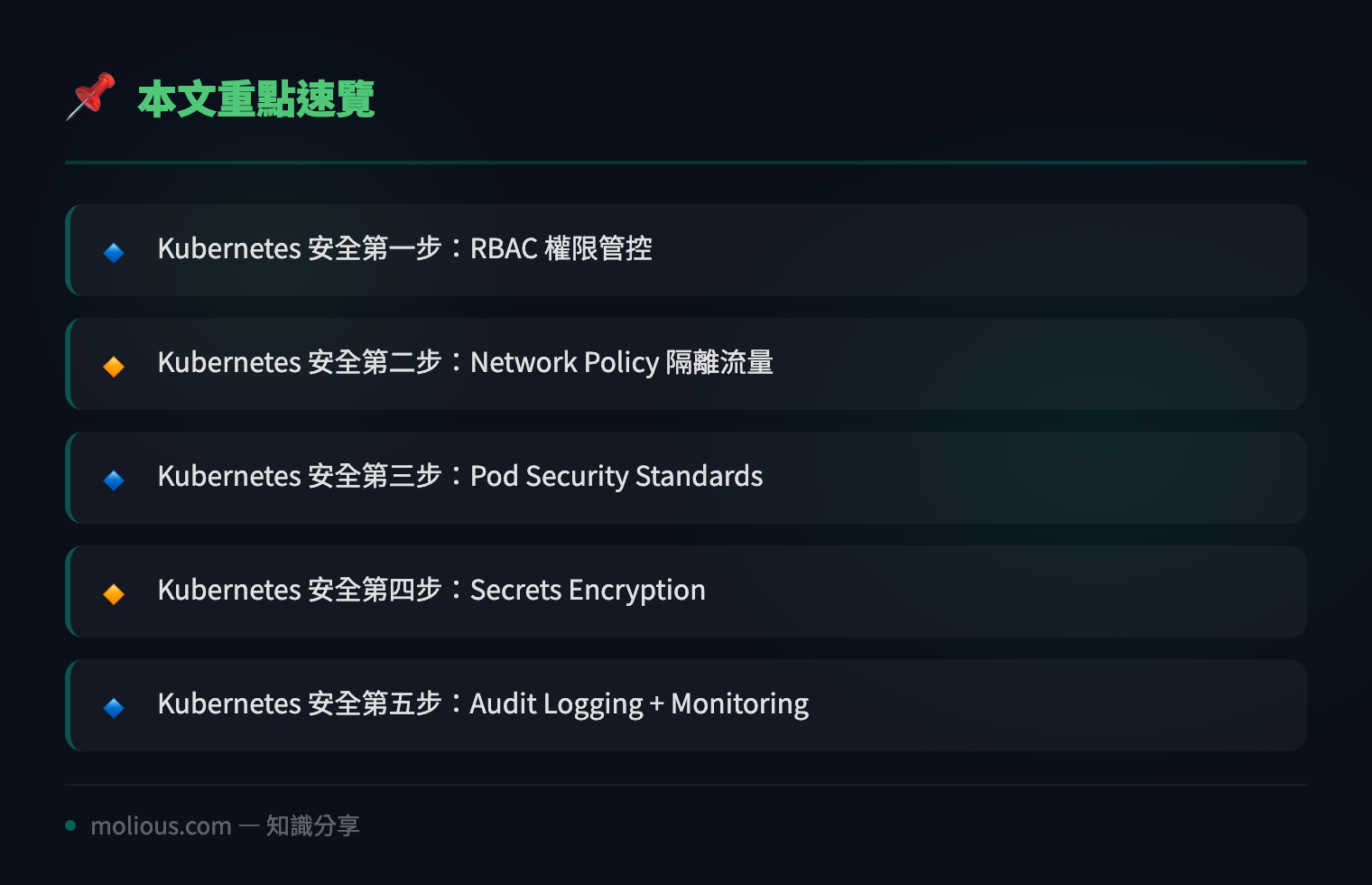
## Kubernetes 安全第一步:RBAC 權限管控
Kubernetes 安全嘅基礎係 RBAC(Role-Based Access Control)。好多 cluster 直接用 cluster-admin 做所有嘢,呢個係好危險嘅做法。你應該俾每個 user 或者 service account 最少嘅權限:
# 建立一個 namespace-specific 嘅 role
kubectl create role pod-reader \
  --verb=get --verb=list --verb=watch \
  --resource=pods \
  --namespace=production

# 將 role bind 去 service account
kubectl create rolebinding pod-reader-binding \
  --role=pod-reader \
  --serviceaccount=production:my-app-sa \
  --namespace=production
記住:Least Privilege Principle!每個 service account 淨係要有佢需要嘅 permission,多一個都唔好俾。用 `kubectl auth can-i` 可以測試權限係咪正確:
kubectl auth can-i create pods --as=system:serviceaccount:production:my-app-sa -n production## Kubernetes 安全第二步:Network Policy 隔離流量
Network Policy 係 Kubernetes 安全嘅另一道防線。冇 Network Policy 嘅 cluster,任何 pod 都可以同任何其他 pod 通訊,呢個係好大嘅安全隱患:
apiVersion: networking.k8s.io/v1
kind: NetworkPolicy
metadata:
  name: api-allow
  namespace: production
spec:
  podSelector:
    matchLabels:
      app: backend-api
  policyTypes:
    - Ingress
    - Egress
  ingress:
    - from:
        - podSelector:
            matchLabels:
              app: frontend
      ports:
        - protocol: TCP
          port: 8080
  egress:
    - to:
        - podSelector:
            matchLabels:
              app: database
      ports:
        - protocol: TCP
          port: 5432
呢個 policy 限定 backend-api pod 只可以接收嚟自 frontend pod 嘅流量,而且只可以連接 database pod。Default-deny 係最好嘅 Kubernetes 安全策略。
## Kubernetes 安全第三步:Pod Security Standards
由 Kubernetes 1.25 開始,PodSecurityPolicy 俾 Pod Security Standards (PSS) 取代咗。呢個係 Kubernetes 安全嘅 built-in admission controller,有三個 level:
apiVersion: v1
kind: Namespace
metadata:
  name: production
  labels:
    pod-security.kubernetes.io/enforce: restricted
    pod-security.kubernetes.io/audit: restricted
    pod-security.kubernetes.io/warn: restricted
Restricted level 會 enforce 最嚴格嘅 Kubernetes 安全政策,包括唔俾 run as root、必須用 read-only root filesystem、drop 曬所有 capabilities。呢個係保護容器 runtime 嘅關鍵。
## Kubernetes 安全第四步:Secrets Encryption
Kubernetes Secrets 默認係用 base64 encoding 儲存喺 etcd 入面,並唔係真正加密。呢個係 Kubernetes 安全嘅一大漏洞!你要 enable Encryption at Rest:
apiVersion: apiserver.config.k8s.io/v1
kind: EncryptionConfiguration
resources:
  - resources:
      - secrets
    providers:
      - aescbc:
          keys:
            - name: key1
              secret: <base64-encoded-32-byte-key>
      - identity: {}
然後喺 kube-apiserver manifest 加 `–encryption-provider-config=/etc/kubernetes/encryption-config.yaml`。做完之後記得 rotate 所有 existing secrets:
kubectl get secrets --all-namespaces -o json | \
  kubectl replace -f -
## Kubernetes 安全第五步:Audit Logging + Monitoring
最後一步 Kubernetes 安全設定係 audit logging。你要知道邊個做過咩嘢、幾時做、喺邊度做:
apiVersion: audit.k8s.io/v1
kind: Policy
rules:
  - level: Metadata
    resources:
      - group: ""
        resources: ["secrets", "configmaps"]
  - level: RequestResponse
    resources:
      - group: ""
        resources: ["pods"]
    namespaces: ["production"]
  - level: Request
    users: ["system:anonymous"]
    verbs: ["*"]
配合 Falco 做 runtime security monitoring,你就可以實時 detect 到可疑行為。例如有人嘗試 exec 入 production pod 或者修改 privileged container 設定,Falco 會即刻 alert。
## 總結
🔗 參考資料:NVD NIST 漏洞資料庫
Kubernetes 安全唔係一朝一夕可以做曬,但以上 5 個步驟已經 cover 咗 RBAC、Network Policy、Pod Security、Secrets Encryption 同 Audit Logging 五大層面。逐步 implement,你嘅 cluster 保安水平會大幅提升。記住 Kubernetes 安全係持續嘅過程,定期 audit、update policy、review logs,咁先可以應付不斷演變嘅威脅。
#Kubernetes #K8s安全 #容器安全 #DevSecOps #CloudNative
📌 延伸閲讀
- SSH 安全:Linux 伺服器保安終極指南 — 鎖死 SSH 登入嘅實戰教學
- Docker 安全 5 步教學 — 容器保安嘅完整 checklist
- Linux Server 安全加固 — 伺服器保安基礎 6 步