
# Linux 檔案權限管理:chmod 同 chown 實戰教學
做 IT 嘅你一定成日聽到「Permission denied」呢句嘢,特別係新手入門 Linux 嗰陣,成日俾檔案權限玩到頭都大。今日就同大家拆解 Linux 檔案權限管理,由 chmod 到 chown,step by step 教你點樣掌控檔案權限。
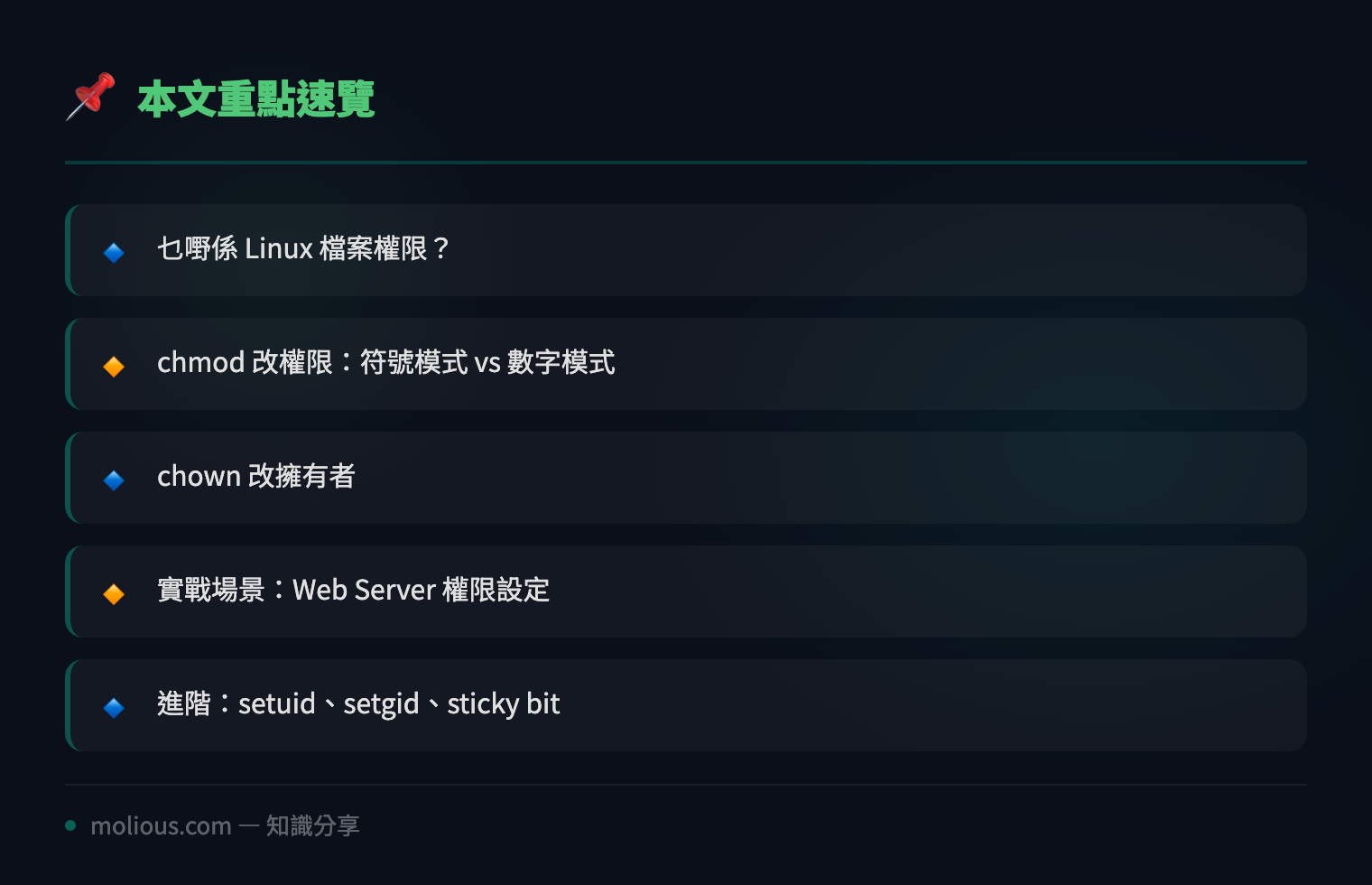
## 乜嘢係 Linux 檔案權限?
Linux 係一個多用户系統,每個檔案同目錄都有三組權限:**擁有者(Owner)**、**羣組(Group)**、**其他人(Others)**。每組權限又分三種:讀取(Read/r)、寫入(Write/w)、執行(Execute/x)。
用 `ls -l` 就可以睇到檔案權限:
$ ls -l myfile.txt
-rw-r--r-- 1 terry staff 1024 Jul 22 13:00 myfile.txt
第一個字元 `-` 代表係普通檔案(`d` 係目錄,`l` 係 symlink)。之後每三個字元一組:`rw-`(Owner 可讀可寫)、`r–`(Group 只讀)、`r–`(Others 只讀)。
## chmod 改權限:符號模式 vs 數字模式
### 符號模式(Symbolic Mode)
用 `u`(user/owner)、`g`(group)、`o`(others)、`a`(all)加 `+`/`-`/`=` 操作:
# 俾 owner 執行權限
chmod u+x script.sh

# 移除 group 嘅寫入權限
chmod g-w config.conf

# 所有人只讀
chmod a=r important.txt

# Owner 讀寫執行,其他人只讀執行
chmod u=rwx,go=rx app.bin
### 數字模式(Numeric Mode)— 最常用!
每個權限對應一個數字:r=4, w=2, x=1。加埋就係:
| 數字 | 權限 | 意思 |
|——|——|——|
| 7 | rwx | 讀寫執行 |
| 6 | rw- | 讀寫 |
| 5 | r-x | 讀執行 |
| 4 | r– | 只讀 |
| 0 | — | 冇權限 |
三個數字分別代表 Owner、Group、Others:
# 最常見:Owner 全權,其他人只讀
chmod 644 file.txt

# Script 要執行權限
chmod 755 script.sh

# 私密檔案:得 Owner 睇到
chmod 600 id_rsa

# 完全開放(唔建議!)
chmod 777 public/
## chown 改擁有者
當你需要將檔案交俾另一個用户或者羣組:
# 改 owner
sudo chown john myfile.txt

# 改 owner + group
sudo chown john:developers myfile.txt

# 只改 group
sudo chown :developers myfile.txt

# 遞迴改整個目錄
sudo chown -R www-data:www-data /var/www/html/
## 實戰場景:Web Server 權限設定
假設你裝咗 Nginx,web root 喺 `/var/www/mysite`:
# 1. 將整個 web 目錄俾 www-data 用户
sudo chown -R www-data:www-data /var/www/mysite

# 2. 目錄要 755(需要 execute 先入到)
sudo find /var/www/mysite -type d -exec chmod 755 {} \;

# 3. 檔案要 644(唔需要 execute)
sudo find /var/www/mysite -type f -exec chmod 644 {} \;

# 4. 如果有 upload 目錄,要俾 write 權限
sudo chmod 775 /var/www/mysite/uploads
## 進階:setuid、setgid、sticky bit
# setuid (4xxx) — 執行時用 owner 身份
chmod 4755 /usr/bin/passwd

# setgid (2xxx) — 執行時用 group 身份;目錄內新檔案繼承 group
chmod 2775 /shared/project

# sticky bit (1xxx) — 得 owner 先可以刪除(常用喺 /tmp)
chmod 1777 /tmp
## 常見錯誤同解決方法
**「Permission denied」執行 script:**
$ ./deploy.sh
-bash: ./deploy.sh: Permission denied
# 解決:加 execute 權限
$ chmod +x deploy.sh
**「Operation not permitted」改系統檔案:**
$ chown terry /etc/nginx/nginx.conf
chown: changing ownership: Operation not permitted
# 解決:用 sudo
$ sudo chown terry /etc/nginx/nginx.conf
## 總結
🔗 參考資料:NVD NIST 漏洞資料庫
Linux 檔案權限管理係基本功,記住幾個常用組合就夠日常用:**644**(檔案)、**755**(目錄/script)、**600**(私密 key)。chown 就記住 `user:group` 格式。搞熟咗呢兩樣,Permission denied 就再唔會係噩夢!