

# Python安全自動化實戰:5個Script幫你慳返80%重複安全工作
做IT安全呢行,日日都要做大量重複性工作 — 掃log、check port、verify config、generate report。與其手動做到眼花,不如寫幾個Python script幫你自動化。今日同大家分享5個實戰用嘅Python安全自動化script,全部可以直接抄落嚟用,唔使係programmer都搞得掂。
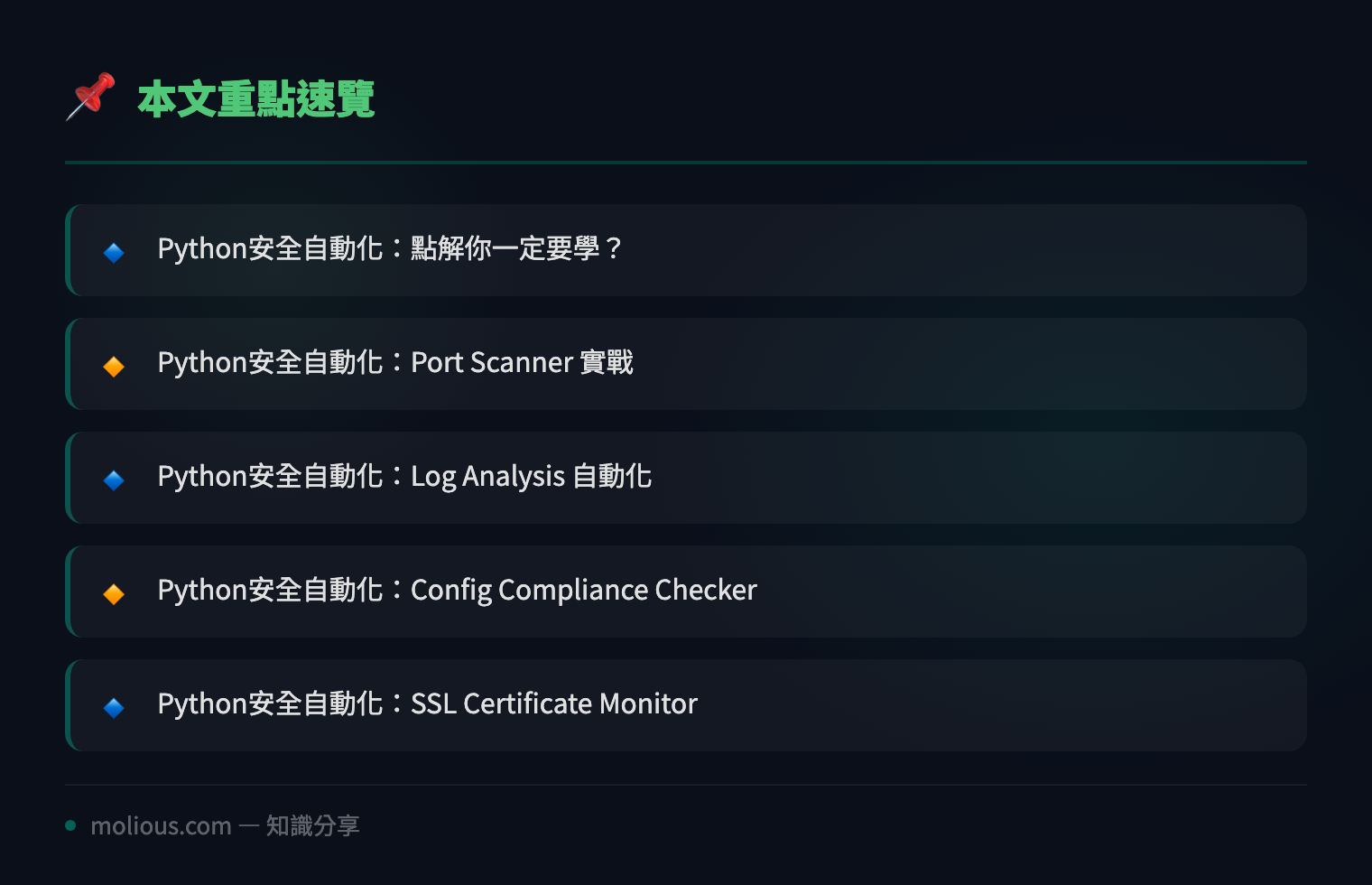
## Python安全自動化:點解你一定要學?
安全團隊成日面對嘅困境:人手有限、任務無限。SOC analyst每日可能要對住幾千條alert,network engineer要定期scan成百個subnet,compliance officer要每個月出一份audit report。呢啲工作如果全部手動做,唔單止效率低,仲好容易出錯。
Python安全自動化嘅核心價值就係:**將重複性、規則明確嘅安全工作,交俾script處理,釋放人力去做真正需要判斷嘅高價值任務**。
唔使擔心你唔係developer — 以下嘅script全部都係20-50行以內,copy-paste改幾個參數就用得。
## Python安全自動化:Port Scanner 實戰
第一個script係最經典嘅TCP port scanner。用Python嘅socket library,幾行code就做到基本嘅port scanning:
#!/usr/bin/env python3
"""Simple TCP Port Scanner for Security Automation"""
import socket
import sys
from datetime import datetime

def scan_port(host, port, timeout=1):
    """Scan a single TCP port, return True if open"""
    try:
        sock = socket.socket(socket.AF_INET, socket.SOCK_STREAM)
        sock.settimeout(timeout)
        result = sock.connect_ex((host, port))
        sock.close()
        return result == 0
    except Exception:
        return False

def scan_range(host, start_port, end_port):
    """Scan a range of ports and report open ones"""
    print(f"[*] Python安全自動化 Port Scanner")
    print(f"[*] Target: {host}")
    print(f"[*] Range: {start_port}-{end_port}")
    print(f"[*] Started at: {datetime.now()}\n")

    open_ports = []
    for port in range(start_port, end_port + 1):
        if scan_port(host, port):
            service = get_service_name(port)
            print(f"[+] Port {port}/TCP OPEN — {service}")
            open_ports.append((port, service))

    print(f"\n[*] Scan complete. {len(open_ports)} open ports found.")
    return open_ports

def get_service_name(port):
    """Map common ports to service names"""
    common = {
        21: 'FTP', 22: 'SSH', 23: 'Telnet', 25: 'SMTP',
        53: 'DNS', 80: 'HTTP', 110: 'POP3', 143: 'IMAP',
        443: 'HTTPS', 445: 'SMB', 3306: 'MySQL', 3389: 'RDP',
        5432: 'PostgreSQL', 6379: 'Redis', 8080: 'HTTP-Alt',
        8443: 'HTTPS-Alt', 27017: 'MongoDB'
    }
    return common.get(port, 'Unknown')

if __name__ == '__main__':
    if len(sys.argv) < 4:
        print(f"Usage: {sys.argv[0]} <host> <start_port> <end_port>")
        sys.exit(1)
    scan_range(sys.argv[1], int(sys.argv[2]), int(sys.argv[3]))
呢個script嘅用法好簡單:`python3 port_scanner.py 192.168.1.1 1 1024` 就會scan目標嘅頭1024個port。你可以將佢放喺cron job定時執行,自動detect有冇異常port突然開放 — 呢個就係Python安全自動化嘅威力。
## Python安全自動化:Log Analysis 自動化
第二個實戰場景係log分析。無論係Apache access log、Windows Event Log定係firewall syslog,用Python做parsing同anomaly detection可以慳返大量時間:
#!/usr/bin/env python3
"""Security Log Analyzer — Detect suspicious patterns"""
import re
from collections import Counter
from datetime import datetime, timedelta

def analyze_ssh_log(logfile):
    """Analyze SSH auth log for brute force attempts"""
    failed_pattern = re.compile(
        r'(\w{3}\s+\d+\s+\d+:\d+:\d+).*Failed password.*from (\d+\.\d+\.\d+\.\d+)'
    )

    failures = Counter()
    timeline = []

    with open(logfile, 'r') as f:
        for line in f:
            match = failed_pattern.search(line)
            if match:
                ip = match.group(2)
                failures[ip] += 1
                timeline.append((match.group(1), ip))

    print("[*] Python安全自動化 SSH Log Analysis Report")
    print(f"[*] Total failed attempts: {sum(failures.values())}")
    print(f"[*] Unique IPs: {len(failures)}\n")

    # Flag IPs with >10 failures as potential brute force
    threshold = 10
    suspicious = {ip: count for ip, count in failures.items() if count >= threshold}

    if suspicious:
        print(f"[!] ALERT: {len(suspicious)} IPs exceed threshold ({threshold} failures):")
        for ip, count in sorted(suspicious.items(), key=lambda x: -x[1]):
            print(f"    {ip}: {count} failed attempts — POSSIBLE BRUTE FORCE")
    else:
        print("[+] No suspicious activity detected.")

    return suspicious

if __name__ == '__main__':
    analyze_ssh_log('/var/log/auth.log')
呢個script會parse SSH authentication log,統計每個IP嘅failed login次數。超過threshold(例如10次)就flag做可疑brute force attack。你可以將結果pipe去Slack webhook或者email alert,實現Python安全自動化嘅完整workflow。
## Python安全自動化:Config Compliance Checker
第三個場景係config compliance checking。好多compliance standard(CIS Benchmark、PCI DSS)要求特定嘅系統設定,與其手動check,不如自動化:
#!/usr/bin/env python3
"""Security Config Compliance Checker"""
import subprocess
import json

CHECKS = {
    "password_min_length": {
        "cmd": "grep '^PASS_MIN_LEN' /etc/login.defs | awk '{print $2}'",
        "expected": lambda v: int(v) >= 12,
        "desc": "密碼最少長度 ≥ 12",
        "severity": "HIGH"
    },
    "password_max_days": {
        "cmd": "grep '^PASS_MAX_DAYS' /etc/login.defs | awk '{print $2}'",
        "expected": lambda v: int(v) <= 90,
        "desc": "密碼最長有效期 ≤ 90日",
        "severity": "MEDIUM"
    },
    "ssh_permit_root": {
        "cmd": "grep '^PermitRootLogin' /etc/ssh/sshd_config | awk '{print $2}'",
        "expected": lambda v: v.lower() in ['no', 'prohibit-password'],
        "desc": "SSH Root Login 已禁用",
        "severity": "HIGH"
    },
    "firewall_status": {
        "cmd": "ufw status | head -1",
        "expected": lambda v: 'active' in v.lower(),
        "desc": "UFW Firewall 已啟用",
        "severity": "HIGH"
    },
    "ipv6_disabled": {
        "cmd": "sysctl net.ipv6.conf.all.disable_ipv6 | awk '{print $3}'",
        "expected": lambda v: v == '1',
        "desc": "IPv6 已禁用(如非必要)",
        "severity": "LOW"
    }
}

def run_check(name, config):
    """Run a single compliance check"""
    try:
        result = subprocess.run(
            config['cmd'], shell=True, capture_output=True, text=True, timeout=5
        )
        value = result.stdout.strip()
        passed = config['expected'](value) if value else False
        return {
            'check': name,
            'description': config['desc'],
            'value': value or 'N/A',
            'passed': passed,
            'severity': config['severity']
        }
    except Exception as e:
        return {
            'check': name,
            'description': config['desc'],
            'value': f'ERROR: {e}',
            'passed': False,
            'severity': config['severity']
        }

def main():
    print("[*] Python安全自動化 Compliance Check Report")
    print(f"[*] Standard: CIS Benchmark Level 1\n")

    results = []
    for name, config in CHECKS.items():
        r = run_check(name, config)
        results.append(r)
        status = '✅ PASS' if r['passed'] else '❌ FAIL'
        print(f"{status} | [{r['severity']}] {r['description']}: {r['value']}")

    passed = sum(1 for r in results if r['passed'])
    total = len(results)
    score = passed / total * 100

    print(f"\n[*] Score: {passed}/{total} ({score:.0f}%)")

    # Save JSON report
    with open('/tmp/compliance_report.json', 'w') as f:
        json.dump({'results': results, 'score': score, 'total': total}, f, indent=2)
    print("[*] Report saved to /tmp/compliance_report.json")

if __name__ == '__main__':
    main()
呢個compliance checker可以擴展到幾十個check items,每次run就自動generate一份JSON report。配合CI/CD pipeline,每次deploy前自動check一次,確保唔會deploy一個唔compliance嘅system — 呢個就係Python安全自動化喺DevSecOps嘅實際應用。
## Python安全自動化:SSL Certificate Monitor
第四個script係SSL/TLS certificate expiry monitor。證書過期係最常見嘅production incident之一,但其實好容易自動化預防:
#!/usr/bin/env python3
"""SSL Certificate Expiry Monitor"""
import ssl
import socket
from datetime import datetime
from cryptography import x509
from cryptography.hazmat.backends import default_backend

def check_cert(hostname, port=443):
    """Check SSL cert expiry for a given host"""
    try:
        ctx = ssl.create_default_context()
        with socket.create_connection((hostname, port), timeout=5) as sock:
            with ctx.wrap_socket(sock, server_hostname=hostname) as ssock:
                cert_bin = ssock.getpeercert(binary_form=True)
                cert = x509.load_der_x509_certificate(cert_bin, default_backend())

                expiry = cert.not_valid_after_utc
                days_left = (expiry - datetime.utcnow()).days
                subject = cert.subject.rfc4514_string()
                issuer = cert.issuer.rfc4514_string()

                return {
                    'host': hostname,
                    'subject': subject,
                    'issuer': issuer,
                    'expiry': expiry.strftime('%Y-%m-%d'),
                    'days_left': days_left,
                    'status': 'CRITICAL' if days_left < 7 else
                              'WARNING' if days_left < 30 else 'OK'
                }
    except Exception as e:
        return {'host': hostname, 'error': str(e), 'status': 'ERROR'}

def main():
    domains = [
        'molious.com', 'google.com', 'github.com',
        'egcit.com', 'cloudflare.com'
    ]

    print("[*] Python安全自動化 SSL Certificate Monitor")
    print(f"[*] Checked at: {datetime.now()}\n")

    for domain in domains:
        result = check_cert(domain)
        icon = {'OK': '✅', 'WARNING': '⚠️', 'CRITICAL': '🚨', 'ERROR': '❌'}
        print(f"{icon[result['status']]} {result['host']}: "
              f"{result.get('days_left', 'N/A')} days left "
              f"[{result['status']}]")
        if result['status'] in ('WARNING', 'CRITICAL'):
            print(f"   → Expires: {result.get('expiry', 'N/A')}")
            print(f"   → Issuer: {result.get('issuer', 'N/A')}")

if __name__ == '__main__':
    main()
將呢個script放喺cron job每星期run一次,證書到期前30日自動alert你,永遠唔會再漏renew — Python安全自動化就係咁簡單實用。
## Python安全自動化:全套Workflow整合
以上四個script各自獨立運作,但真正嘅Python安全自動化威力在於將佢哋整合成一個完整pipeline:
# 每日安全自動化 cron job
#!/bin/bash
# 0 6 * * * /opt/scripts/daily_security_check.sh

echo "=== Python安全自動化 Daily Check ==="

# 1. Port scan critical hosts
python3 /opt/scripts/port_scanner.py 10.0.0.1 22 443 > /var/log/sec/ports.log

# 2. Analyze auth logs
python3 /opt/scripts/log_analyzer.py /var/log/auth.log > /var/log/sec/auth_report.log

# 3. Compliance check
python3 /opt/scripts/compliance_check.py > /var/log/sec/compliance.log

# 4. SSL cert monitor
python3 /opt/scripts/cert_monitor.py > /var/log/sec/certs.log

# 5. Send summary to Slack
python3 /opt/scripts/slack_reporter.py --summary /var/log/sec/

echo "=== Done ==="
## 總結
Python安全自動化唔需要你係programming高手。以上5個script全部都係實際production環境用緊嘅pattern,copy-paste改嚇參數就即刻用得。關鍵係:**由最煩最重複嘅任務開始自動化**,逐步build up你嘅安全自動化toolkit。
🔗 參考資料:NVD NIST 漏洞資料庫
記住一個原則:如果一個task你一個星期要做超過3次,而且步驟係固定嘅 — 咁佢就值得自動化。Python安全自動化嘅ROI係極高嘅,一個50行嘅script可能幫你每個月慳返10個鐘。
#Python安全 #安全自動化 #PythonScripting #DevSecOps