
# Kubernetes Pod Security Admission 實戰教學:5 步幫你鎖死 Pod 安全設定
Kubernetes 嘅 Pod 安全性一直係 DevOps 團隊最頭痕嘅問題。以前要用 PodSecurityPolicy(PSP),但 PSP 喺 K8s 1.25 已經正式退役,取而代之嘅就係 **Pod Security Admission(PSA)**。如果你仲未由 PSP 遷移到 PSA,或者根本未 set 過 Pod 安全政策,呢篇文就係為你而寫。
今日我會用最簡單嘅 step-by-step 方式,帶你由零開始設定 Pod Security Admission,確保你嘅 cluster 唔會俾人隨便 deploy 一個 privileged container 上 production。
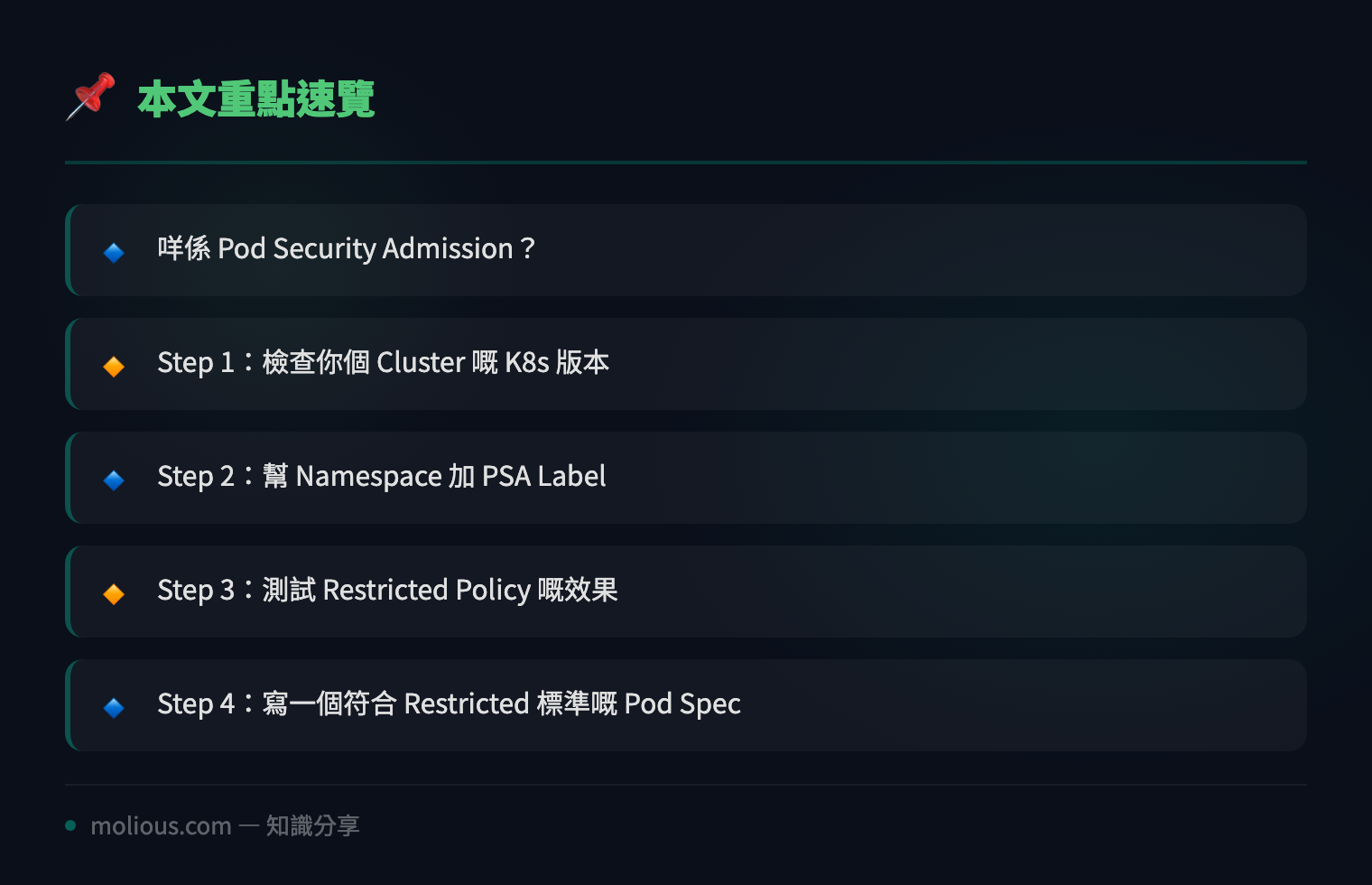
## 咩係 Pod Security Admission?
Pod Security Admission 係 Kubernetes 內置嘅 admission controller,由 v1.25 開始 GA。佢將 Pod 安全標準分為三個 level:
– **Privileged(特權)**:完全冇限制,乜都得。通常只俾 system namespace 用。
– **Baseline(基準)**:禁止最常見嘅 privilege escalation 手法,例如 hostPath、hostNetwork、privileged container 等。適合大部分 workload。
– **Restricted(嚴格)**:喺 Baseline 之上再加強限制,例如必須 runAsNonRoot、禁止 capabilities、強制 seccomp profile 等。適合高安全要求嘅環境。
PSA 嘅好處係唔使裝任何 external admission controller,直接用 namespace label 就可以控制成個 namespace 嘅 Pod 安全級別。
## Step 1:檢查你個 Cluster 嘅 K8s 版本
PSA 需要 K8s v1.23 或以上(v1.25+ 推薦)。先 check 版本:
kubectl version --short如果你仲用緊 v1.22 或以下,建議盡快升級,因為 PSP 已經完全移除。
## Step 2:幫 Namespace 加 PSA Label
PSA 用三個 label 嚟控制 namespace 嘅安全級別。最簡單嘅設定係咁:
# 將 production namespace 設為 Restricted 級別
kubectl label namespace production \
  pod-security.kubernetes.io/enforce=restricted \
  pod-security.kubernetes.io/audit=restricted \
  pod-security.kubernetes.io/warn=restricted
三個 label 嘅意思:
– **enforce**:拒絕唔符合標準嘅 Pod
– **audit**:只記錄 audit log,唔拒絕(用嚟測試)
– **warn**:俾 warning 但唔拒絕(用嚟過渡期)
如果你想逐步遷移,可以先 set `audit` 同 `warn`,睇下有咩 Pod 會俾人 block,然後先加 `enforce`。
## Step 3:測試 Restricted Policy 嘅效果
建立一個違反 Restricted policy 嘅 Pod 試下:
cat <<EOF | kubectl apply -f -
apiVersion: v1
kind: Pod
metadata:
  name: test-privileged
  namespace: production
spec:
  containers:
  - name: nginx
    image: nginx:latest
    securityContext:
      privileged: true
EOF
你會見到類似咁嘅 error:
Error from server (Forbidden): error when creating "STDIN":
pods "test-privileged" is forbidden: violates PodSecurity
"restricted:latest": privileged (container "nginx" must not
set securityContext.privileged=true)
呢個就係 PSA 嘅威力 — 直接拒絕,唔使靠 external webhook。
## Step 4:寫一個符合 Restricted 標準嘅 Pod Spec
要通過 Restricted policy,你嘅 Pod 必須滿足以下條件:
apiVersion: v1
kind: Pod
metadata:
  name: secure-nginx
  namespace: production
spec:
  securityContext:
    runAsNonRoot: true
    seccompProfile:
      type: RuntimeDefault
  containers:
  - name: nginx
    image: nginx:latest
    securityContext:
      allowPrivilegeEscalation: false
      capabilities:
        drop:
        - ALL
      runAsUser: 1000
重點:
– `runAsNonRoot: true` — 唔可以用 root 執行
– `seccompProfile: RuntimeDefault` — 強制 seccomp
– `allowPrivilegeEscalation: false` — 禁止 privilege escalation
– `capabilities.drop: [ALL]` — 移除所有 Linux capabilities
## Step 5:設定唔同 Namespace 用唔同 Level
現實環境入面,你唔會全部 namespace 都用 Restricted。典型做法:
# kube-system 等系統 namespace 用 Privileged
kubectl label namespace kube-system \
  pod-security.kubernetes.io/enforce=privileged

# staging 用 Baseline(過渡期)
kubectl label namespace staging \
  pod-security.kubernetes.io/enforce=baseline

# production 用 Restricted(最嚴格)
kubectl label namespace production \
  pod-security.kubernetes.io/enforce=restricted
你可以用以下 command 一次過 check 曬所有 namespace 嘅 PSA 設定:
kubectl get namespaces -o json | \
  jq -r '.items[] | "\(.metadata.name): enforce=\(.metadata.labels["pod-security.kubernetes.io/enforce"] // "none")"'
## PSA 遷移最佳實踐
如果你係由 PSP 遷移過嚟,建議跟以下步驟:
1. **Audit Phase**:先加 `audit` 同 `warn` label,唔加 `enforce`。行一兩個星期,睇 audit log 有咩 violation。
2. **Fix Violations**:根據 audit log 修改唔合規嘅 workload。
3. **Enforce Phase**:確認冇 violation 之後,加 `enforce` label。
4. **Monitor**:持續監控,確保新 deploy 嘅 workload 都合規。
## 常見問題 FAQ
**Q: PSA 同 OPA/Gatekeeper 有咩分別?**
A: PSA 係 K8s 內置,輕量級,只 cover Pod 安全標準。OPA/Gatekeeper 係 external admission controller,可以做更複雜嘅 policy(例如限制 image registry、檢查 label 等)。兩者可以並存,PSA 做 baseline,OPA 做進階。
**Q: 可唔可以 exempt 個別 Pod?**
A: 唔得。PSA 係 namespace-level 控制。如果你需要 exempt 個別 Pod,要考慮用其他 admission controller。
**Q: Restricted level 太嚴格,好多現有 image 行唔到?**
A: 正常。好多 public image 預設用 root 執行。你需要改 Dockerfile 或者用 `securityContext` override。建議先用 Baseline,逐步收緊。
## 總結
Pod Security Admission 係 Kubernetes 原生嘅 Pod 安全解決方案,設定簡單、效能好、唔使裝任何嘢。由 PSP 遷移到 PSA 係大勢所趨,如果你仲未做,今日就係最好嘅時機。
🔗 參考資料:NVD NIST 漏洞資料庫
記住個口訣:**Audit 先、Fix 後、Enforce 最後**。逐步收緊,唔好一步到位,否則 production 會爆鑊。
#Kubernetes #PodSecurity #DevSecOps #K8s安全 #Container安全